project
service
website
job
Data migration & software switch
Your data
moves with you
Choosing the new software is usually the quick part. The real problem is the years of customer history sitting in the old system. We move customers, jobs, documents and invoices into your new solution in full, with a test migration, a sign-off protocol and a fixed cut-over date.
Data migration in detail
View portfolioWhat we migrate
A migration is more than a CSV export. These are the data types we pull out of the legacy system and load into the new one in a structured way.
Customer master data
Business and private customers, addresses, contacts, phone numbers, email addresses, customer numbers, notes and tags.
Sites and equipment
Properties, units, installed equipment, meter and serial numbers, maintenance objects including their link to the customer.
Jobs
Open and completed jobs, job numbers, status, dates plus the assigned staff and sites.
Business documents
Quotes, order confirmations, delivery notes, invoices and credit notes, on request as a searchable PDF archive.
Items and services
Service catalogues, text blocks, material master data, prices, supplier items and costing templates.
History and documentation
Service visits, maintenance history, inspection records, photos, signatures and attachments, each on the correct record.
Time tracking
Recorded working and project hours, linked to the right staff member and job.
Accounting handover
Open items, payment status and the connection to DATEV or your accounting software.
Which of these are technically possible depends on both the legacy and the target system. That is exactly what the migration check clarifies before you commission anything.
Why nothing gets lost
The most common worry before a software switch is not the price, it is data loss. We counter that with fixed safeguards rather than promises.
- Full backup of the legacy data set before any write operation
- Test migration in a separate tenant, never directly in the production system
- Record count reconciliation old against new, documented in the sign-off protocol
- Sample verification by you before the live migration starts
- A fixed fallback plan in case something goes wrong on cut-over day
- Read access to the legacy system for statutory retention
- GDPR data processing agreement, processing within the EU
- Deletion plan for legacy data and intermediate files after the project ends
Your business keeps running normally throughout the preparation. Only cut-over day involves a clearly defined time window.
What a data migration costs
There are no flat rates, because the effort depends almost entirely on the legacy system. So that you can still judge what we are talking about, here is our package structure.
Migration check
Analysis of the legacy system, review of the export routes, a draft field mapping and a reliable effort estimate. Free as part of the first consultation.
Basic
Customer and item master data, test migration, live migration and one training session. For small businesses with a manageable data set.
Complete
Additionally jobs, document archive, sites, history and files, two training sessions and 30 days of follow-up support.
Complete plus interfaces
Additionally accounting integration, website forms into the new software, time tracking and custom API connections.
We name the fixed price after the migration check, not before. Anything else would be guesswork.
Systems and routes
We work on the source side just as much as on the target side. These routes have their own pages.
Switching trade software
From the old office program to a modern solution: selection, migration and rollout for trade and service businesses. To trade software migration
Moving to Meisterwerk
Setup, data migration and training for the switch to the trade software Meisterwerk. To the Meisterwerk switch
Moving away from TAIFUN
Working with TAIFUN today and considering a change? This is how your data gets out safely. To the TAIFUN migration
Software selection
Still undecided which system fits? We assess requirements, vendors and follow-up costs neutrally. To software consulting
Interfaces and automation
After the move: connect website forms, accounting and time tracking properly to the new software. To AI automation
IT consulting
Servers, cloud, backup and permissions around the system change. To IT consulting
Our clients
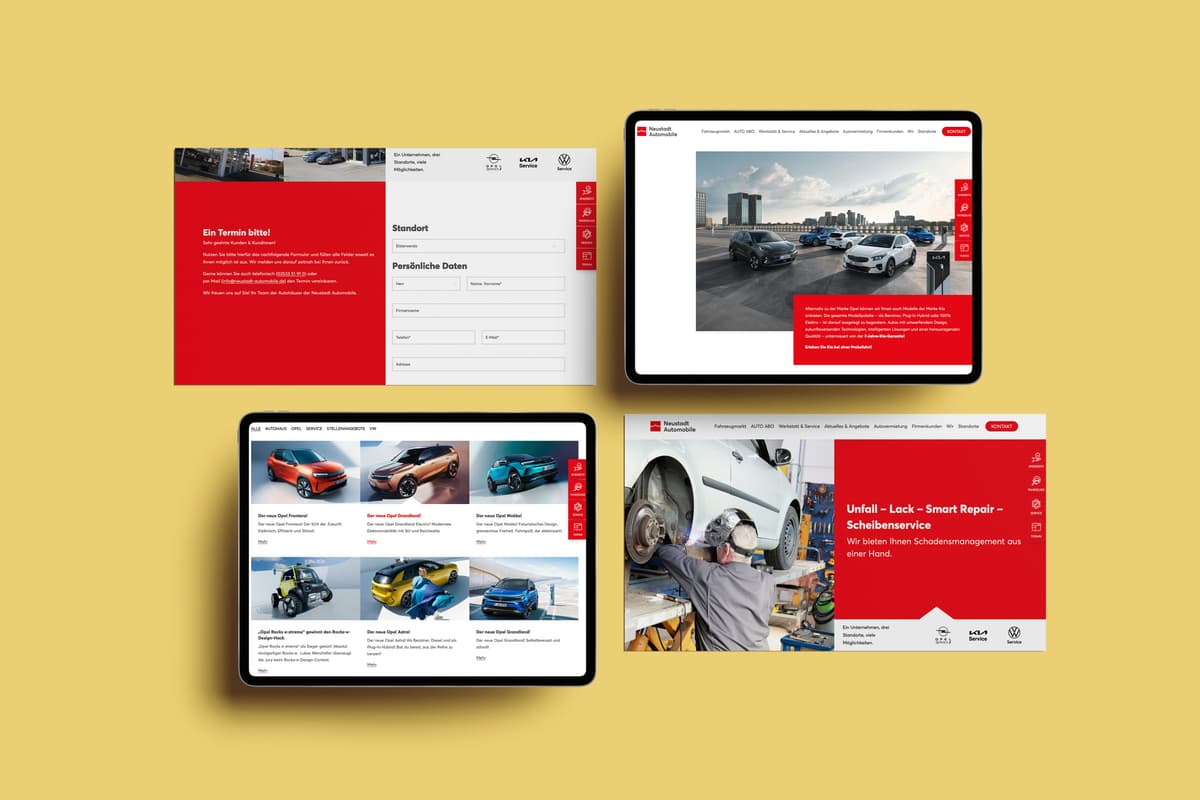
Our clients: J3L, Fair Kiez, HTW Berlin, Neo Fashion, SIB, EUV, Zahnkultur, Lexus, Neustadt, Opel, Universal, Zalando, BTB, Lottili, Mayaciel, E-Solaris, Frau Kruner, Spitzke
How the move works
A software switch rarely fails because of the new software. It fails because of unclear data and a cut-over date nobody planned. That is why we work in fixed steps. For a business with 5 to 25 employees, the usual range is two to six weeks from assessment to going live.
Frequently asked questions about data migration
Get in touch
Free migration check
20 minutes on the phone. Afterwards you know which customers, jobs and documents carry over, which do not and what the move costs.
Monday to Friday, 10:00 to 18:00 (German time)
Product and company names mentioned are trademarks of their respective owners. We name them descriptively only, to identify the systems we migrate from or to. No business relationship or certification is implied.